Loop Execution Step
You can execute all step types except the Loop Execution Step multiple times and use the results as an array.
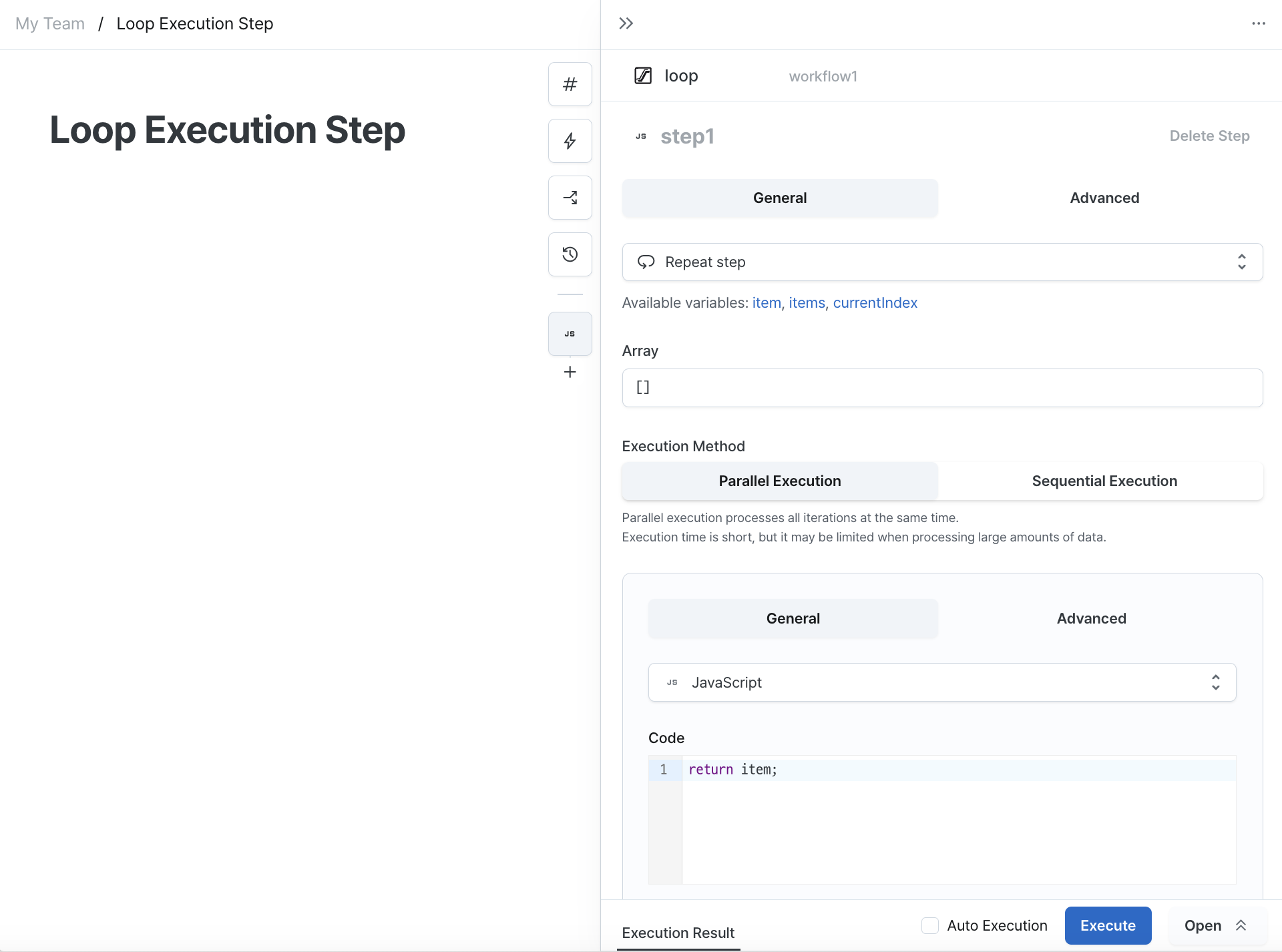
Array
You can enter data to be used in each iteration as a template.
Here are examples of data that can be entered:
- Constants:
[1, 2, 3, 4] - Workflow execution results:
workflow1.data - Step execution results:
outputs.step1
Available Variables
When entering ["h", "o", "p", "s"] in the array, the following variables can be used:
item
The data for the current iteration.
Value for first iteration: "h"
items
The input array data.
Value for all iterations: ["h", "o", "p", "s"]
currentIndex
The index of the current iteration.
Value for first iteration: 0
Execution Methods
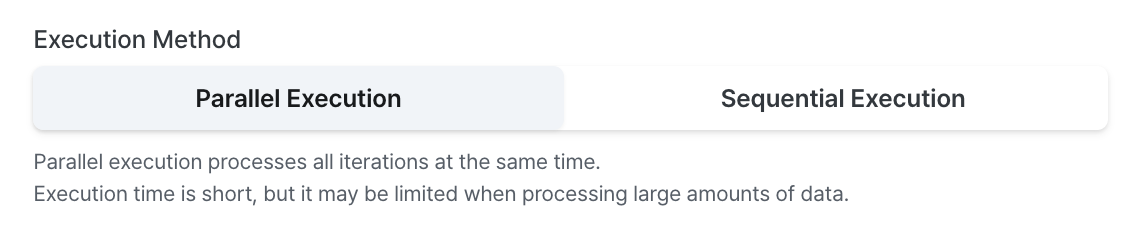
Parallel Execution
Parallel execution processes all iterations simultaneously.
Execution time is shorter but there may be limitations when processing large volumes of data.
If all iterations succeed, the result will be an array of execution results from each iteration.
If any iteration fails, execution of all iterations is cancelled and the error from the first failed iteration becomes the result.
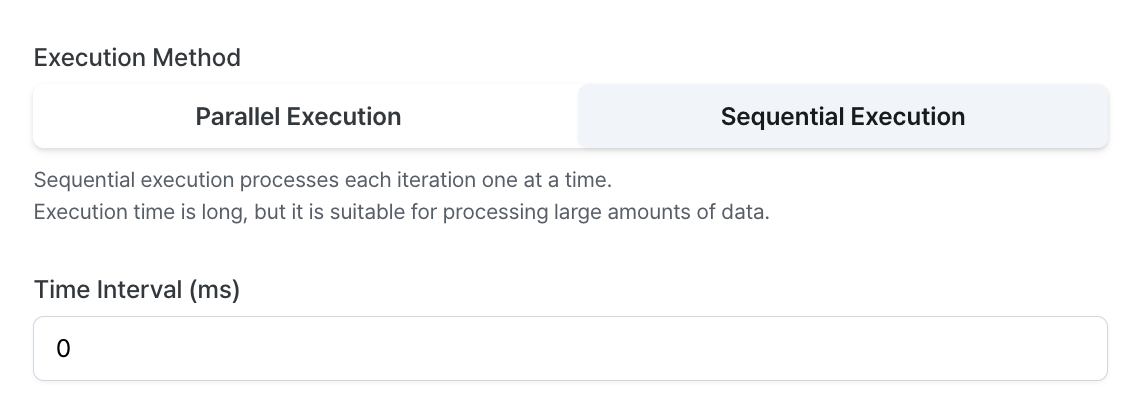
Sequential Execution
Sequential execution processes one iteration at a time.
Execution time is longer but it's suitable for processing large volumes of data.
If all iterations succeed, the result will be an array of execution results from each iteration.
If an iteration fails during execution, all remaining iterations are cancelled and the error from the failed iteration becomes the result.
Wrap Up
We've covered the basic usage of Loop Execution Steps.
Explore the available step query types and discover additional features needed for your admin interface. Feel free to contact us with any questions or if you need assistance. Email us at contact@hopsoffice.com for support.