Google Drive
Add Query
You can add a query step by adding a workflow to the page list.
When you select the Google Drive data source from the workflow step sidebar, the query input window appears.
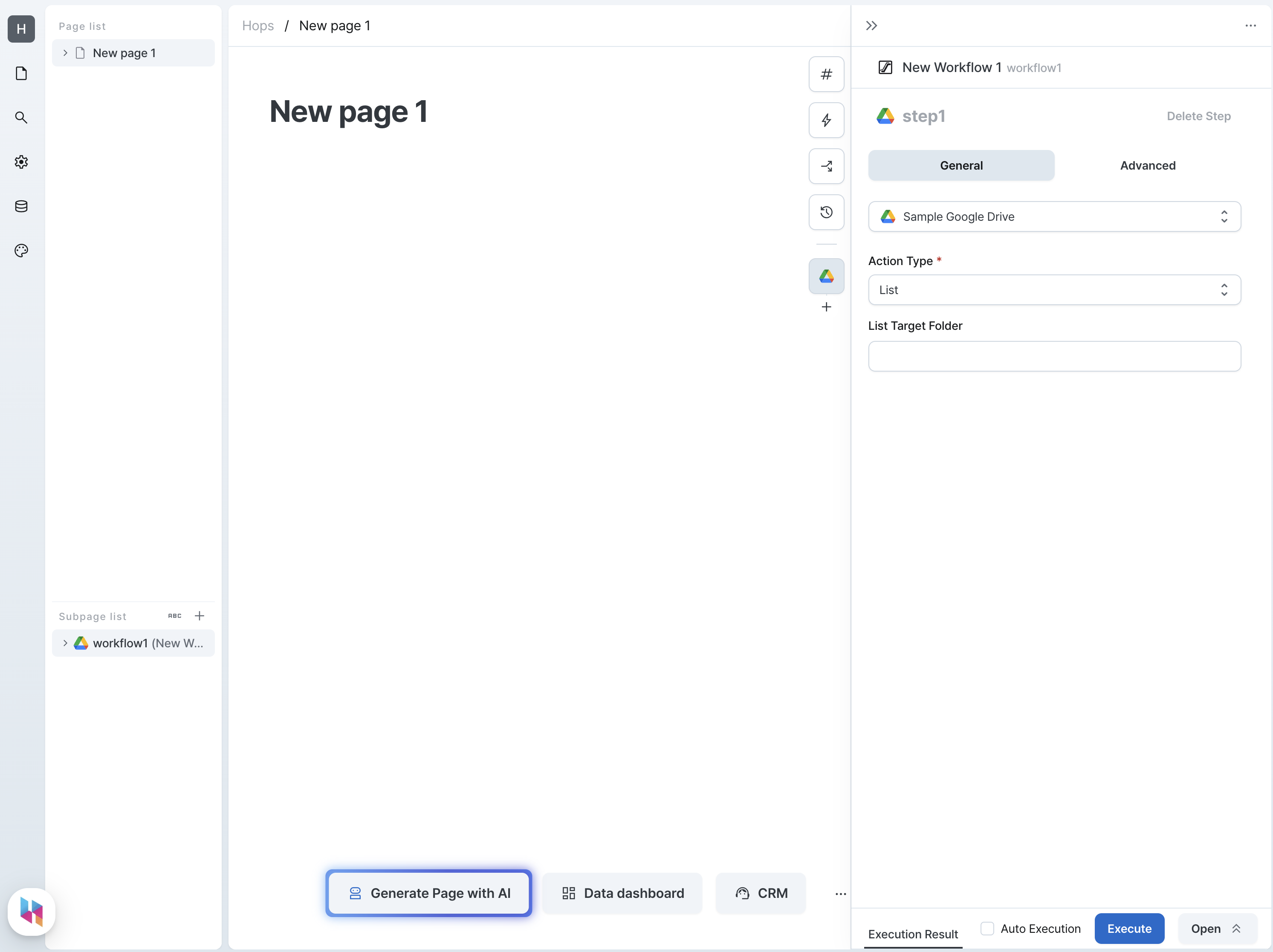
Actions
List
Retrieves the list of files and folders in Google Drive.
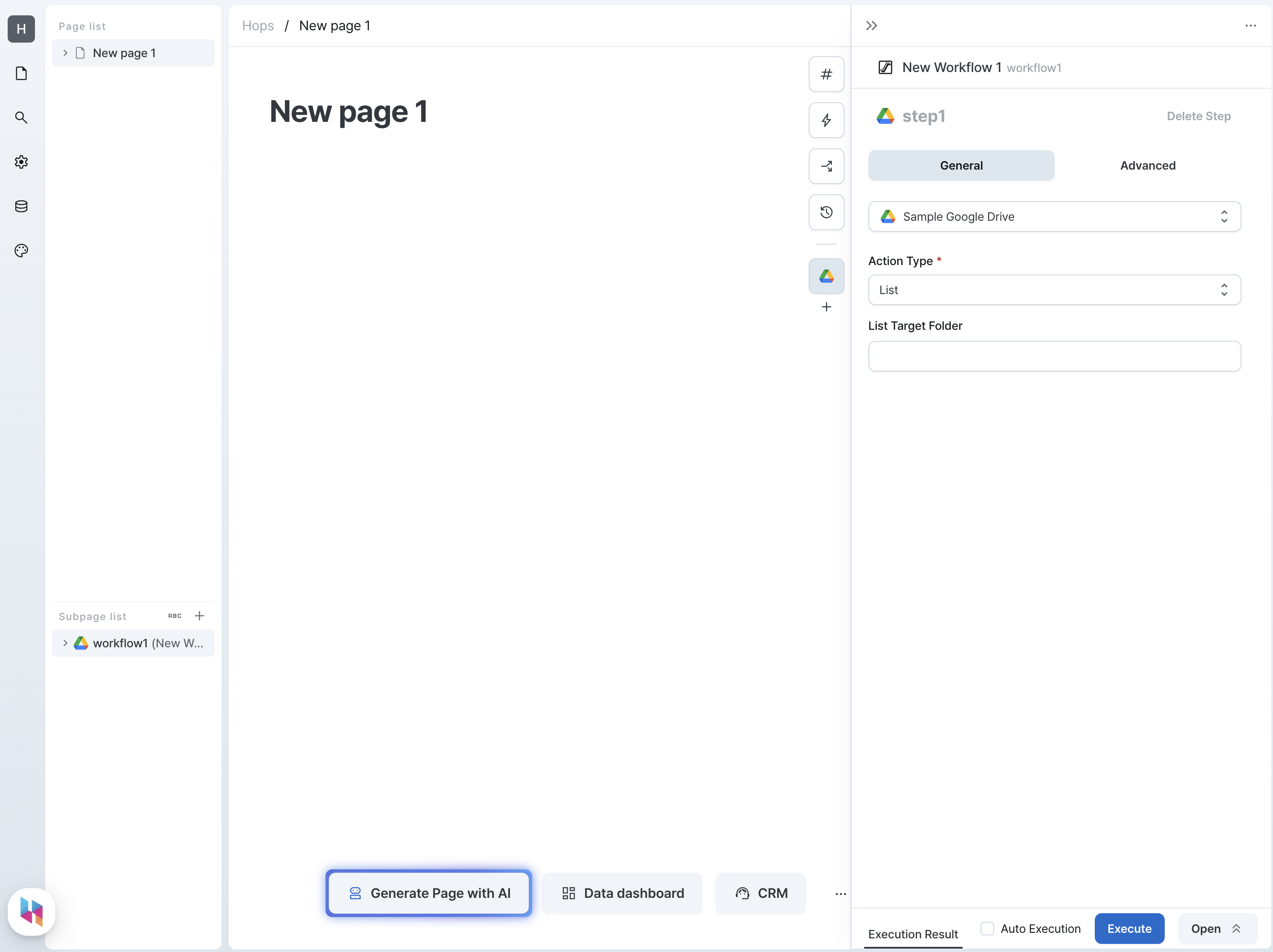
Parameters
| Name | Type | Description |
|---|---|---|
| List Target Folder (parentId) | string | Folder ID to retrieve |
Query Result
When you run the Query action, the result is returned in the following structure.
GoogleDriveFile type is a type for Google Drive's file.
For more information, please refer to the Google Drive official document.
interface GoogleDriveFile {
  id: string;
  kind: string;
  name: string;
  mimeType: string;
}

type Result = GoogleDriveFile[];
Use Result
To use the result in another step, write as follows.
return outputs.stepName.map((item) => item.id);
Upload
Uploads a new file to Google Drive.
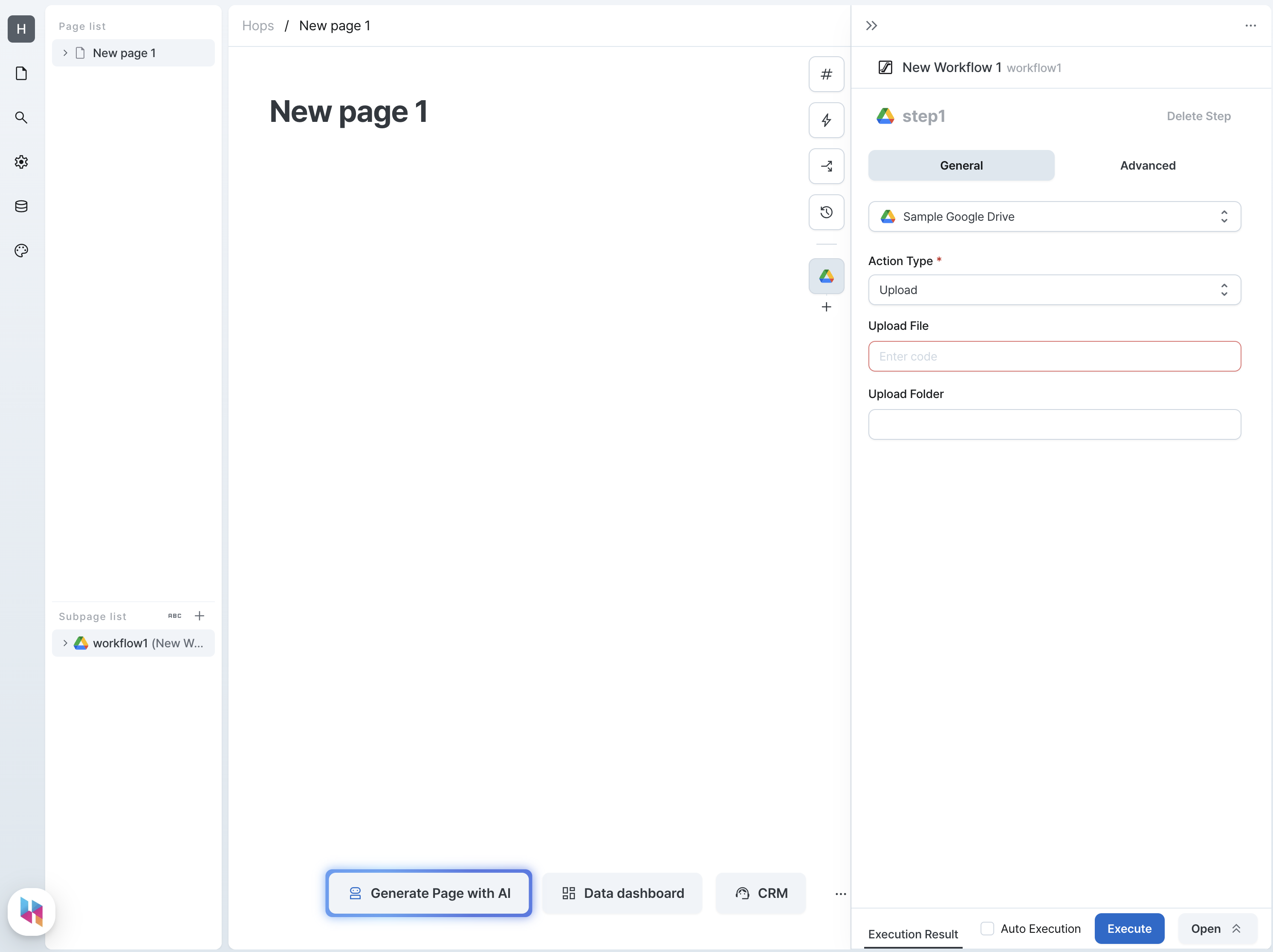
Parameters
| Name | Type | Description |
|---|---|---|
| Upload File (file) | File | File to upload |
| Upload Folder (parentId) | string | Folder ID to upload |
Query Result
When you run the Query action, the result is returned in the following structure.
interface GoogleDriveFile {
  id: string;
  kind: string;
  name: string;
  mimeType: string;
}

type Result = GoogleDriveFile;
Use Result
To use the result in another step, write as follows.
return outputs.stepName.id;
Download
Downloads a file from Google Drive.
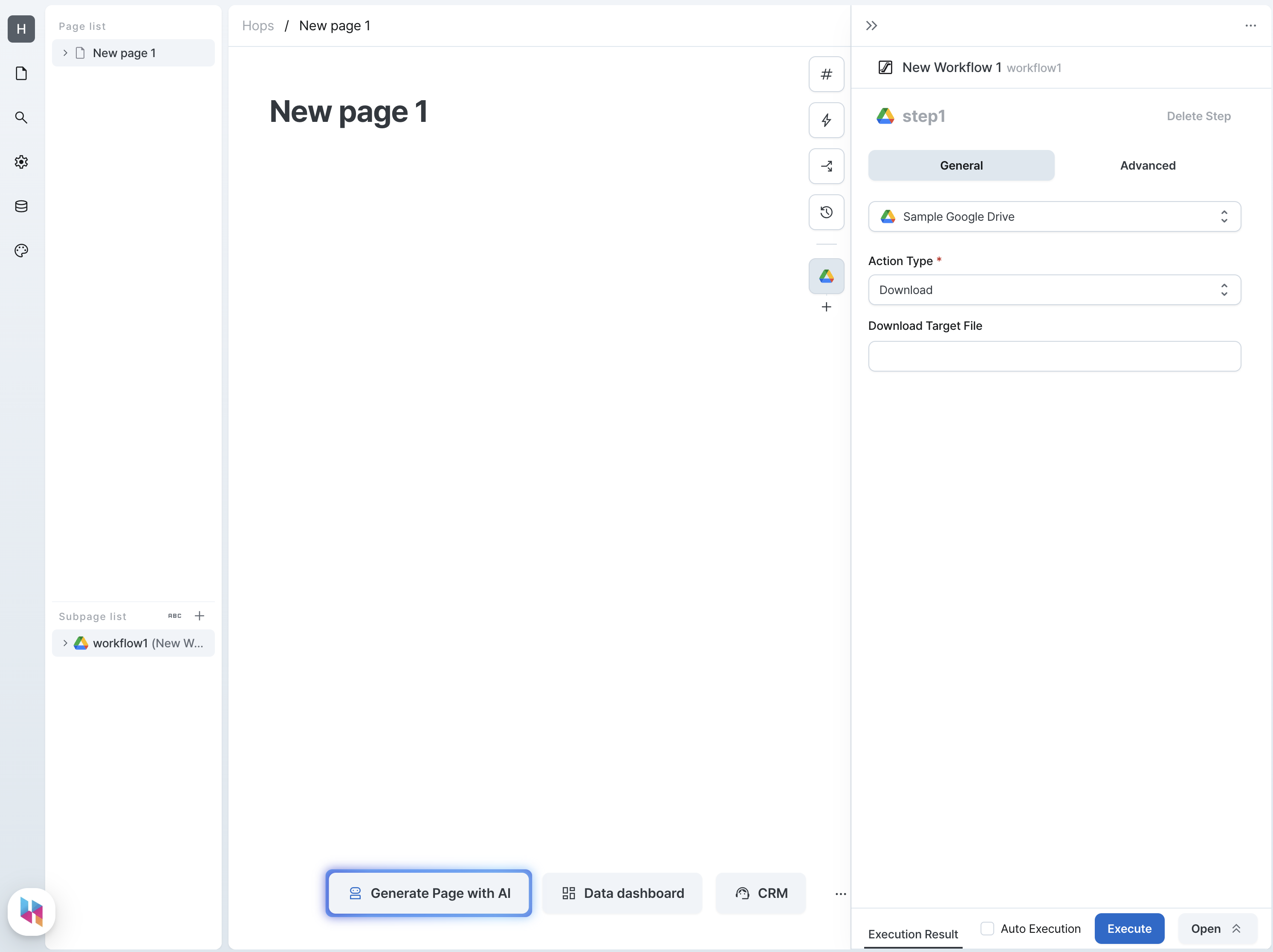
Query Result
When you run the Query action, the result is returned in the following structure.
type Result = string; // base64 encoded file binary data
Use Result
To use the result in another step, write as follows.
return outputs.stepName;
Parameters
| Name | Type | Description |
|---|---|---|
| Download Target File (fileId) | string | File ID to download |
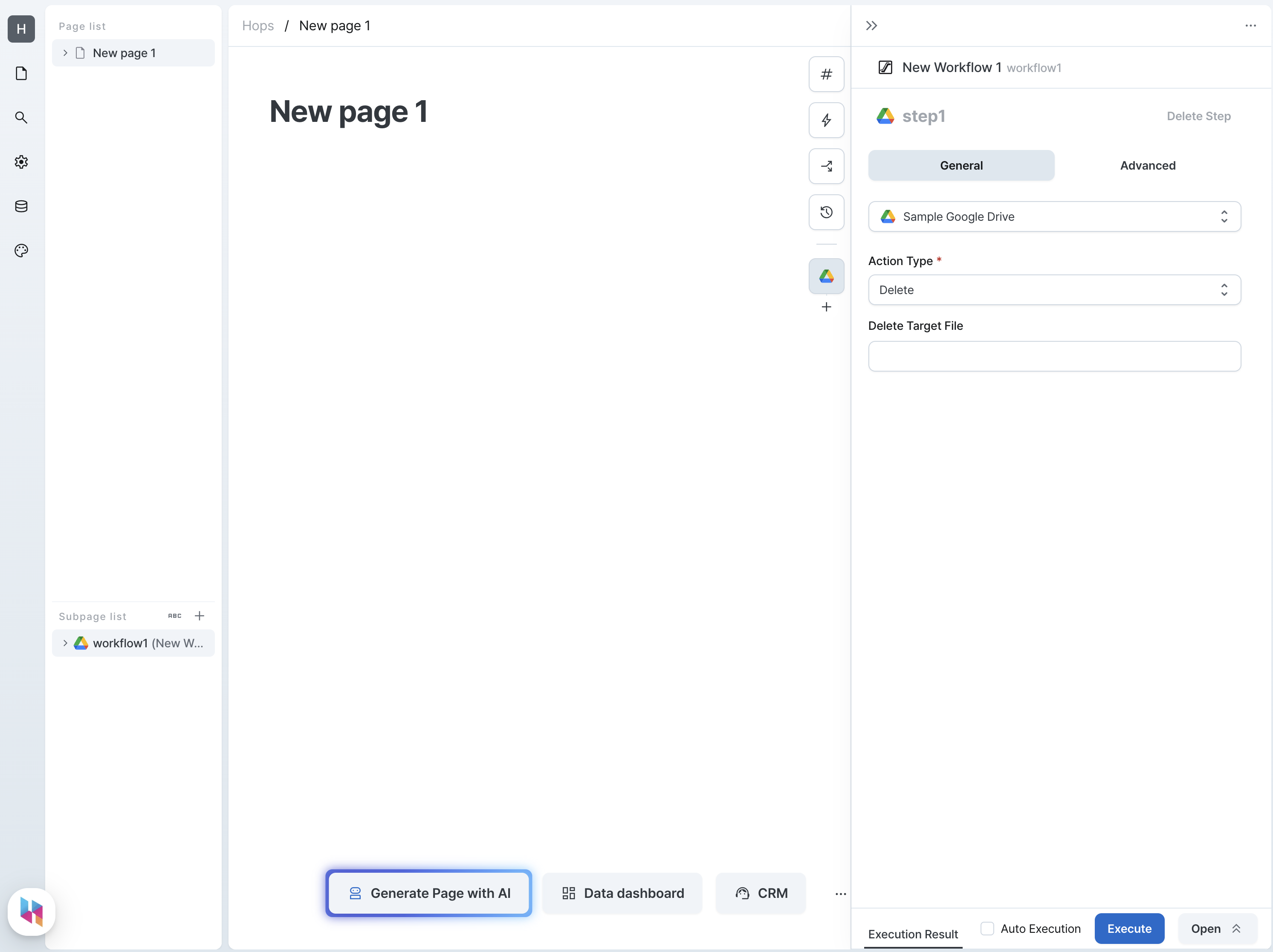
Delete
Deletes a file from Google Drive.
Parameters
| Name | Type | Description |
|---|---|---|
| Delete Target File (fileId) | string | File ID to delete |
Query Result
type Result = Record<string, never>;
delete is an empty object.